Text Analyzer Pro
Private, analyst-friendly text clustering for spreadsheet data.
- Role
- Solo build — design, implementation, testing
- Stack
- Python · PySide6 · scikit-learn · NLP
187
Passing tests
4
Clustering models
Local
Privacy model
Context
Most of the useful text an analyst touches never makes it into a model. Support tickets, survey free-text, and QA comments arrive as a spreadsheet column, get skimmed manually, and then get summarised by gut feel.
The tooling gap is real. Clustering that text properly means writing code, and the moment you reach for a hosted notebook or an API you have taken customer text outside the boundary it was collected under. For a lot of teams that alone ends the conversation.
Question
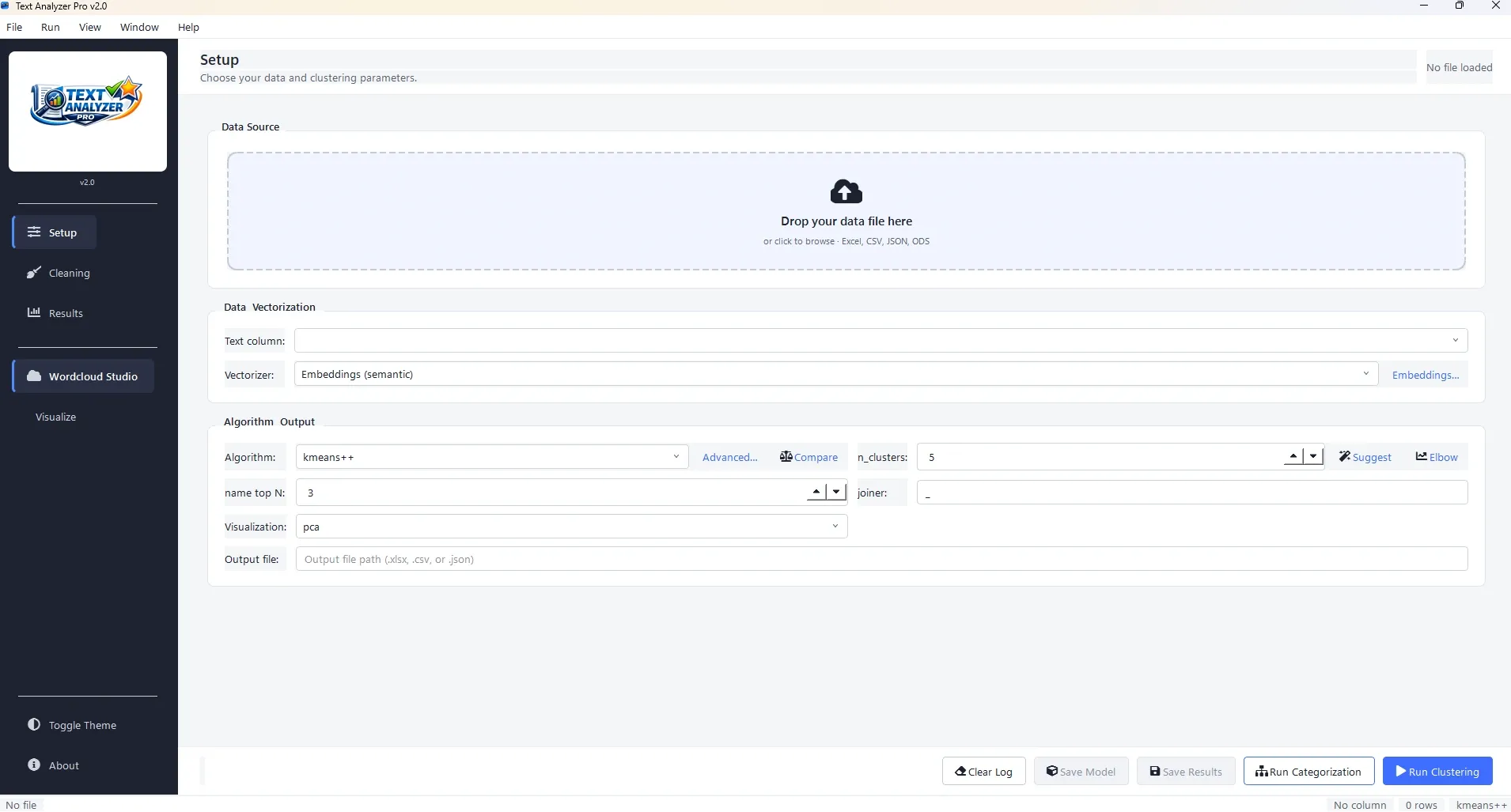
Could the analytical workflow — vectorize, categorize, cluster, review, export — be delivered as a desktop application an analyst can operate without writing code and without any data leaving their machine?
Method
I built a local PySide6 desktop application around a conventional scikit-learn pipeline:
- Ingest from the formats analysts actually hold: Excel, CSV, JSON, and ODS.
- Vectorize with either TF-IDF or embeddings, chosen per run.
- Cluster using one of four algorithms, so the choice fits the shape of the data rather than the other way round.
- Categorize and preview live, so cluster quality is judged by reading the groupings, not by a silhouette score alone.
- Reuse models across runs, and export results back into the spreadsheet workflow.
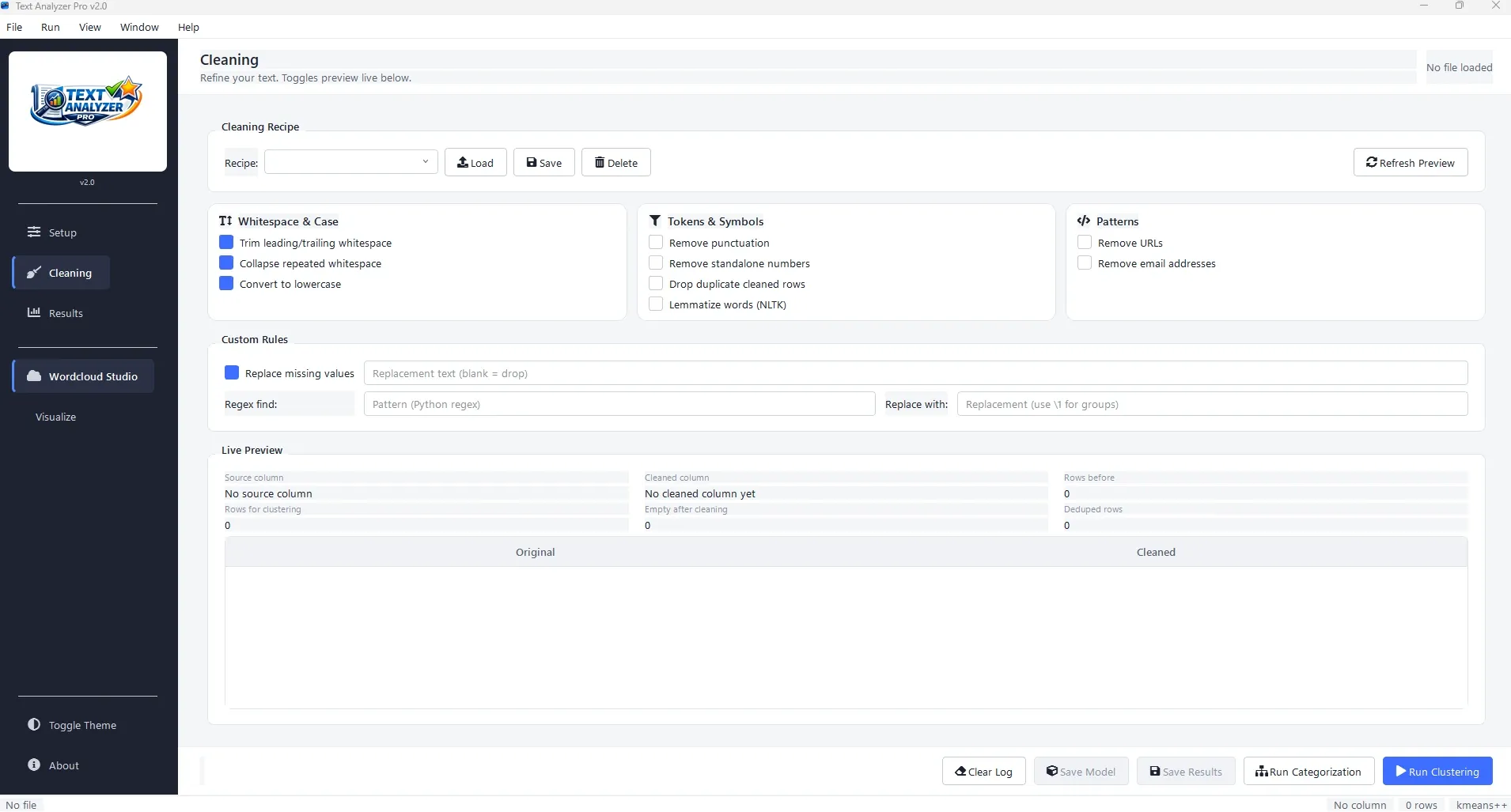
Both a guided GUI and a CLI are exposed. The GUI is for the analyst doing the exploration; the CLI is for the same workflow re-run on a schedule.
Findings
The build is covered by 187 passing tests. Keeping the pipeline entirely on-device removed the data-governance conversation that usually blocks this kind of analysis, and letting the user swap vectorizer and algorithm turned model selection into something that could be inspected rather than assumed.
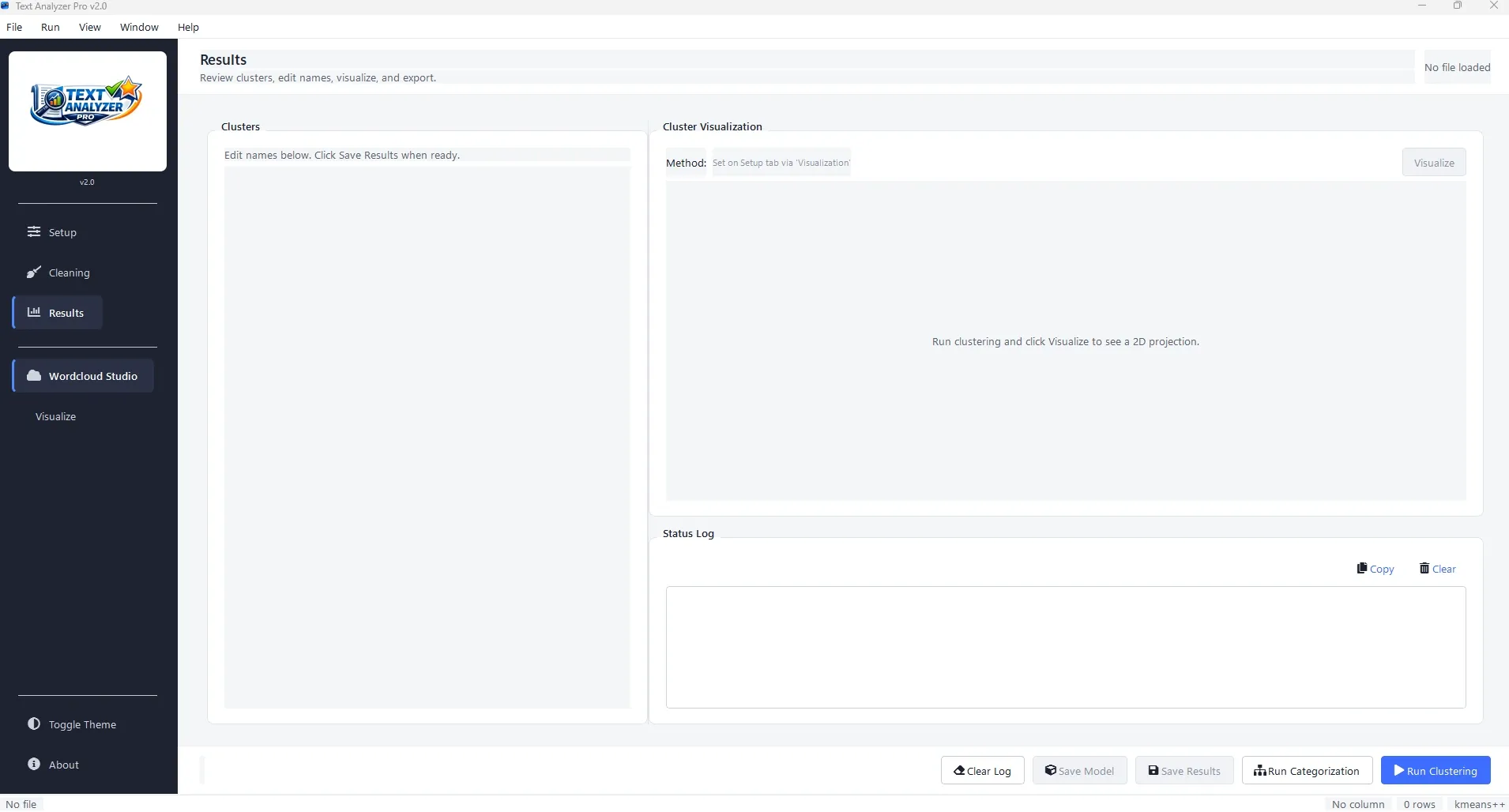
The more interesting result was about interface design: showing cluster contents while parameters are being changed does more for output quality than any single algorithmic improvement I made.
What I would do next
- Add labelled-sample evaluation so cluster quality can be scored, not just eyeballed.
- Persist run configurations alongside exports so a result can be reproduced months later.
- Test the embedding path against a larger, messier corpus than the ones used during development.